

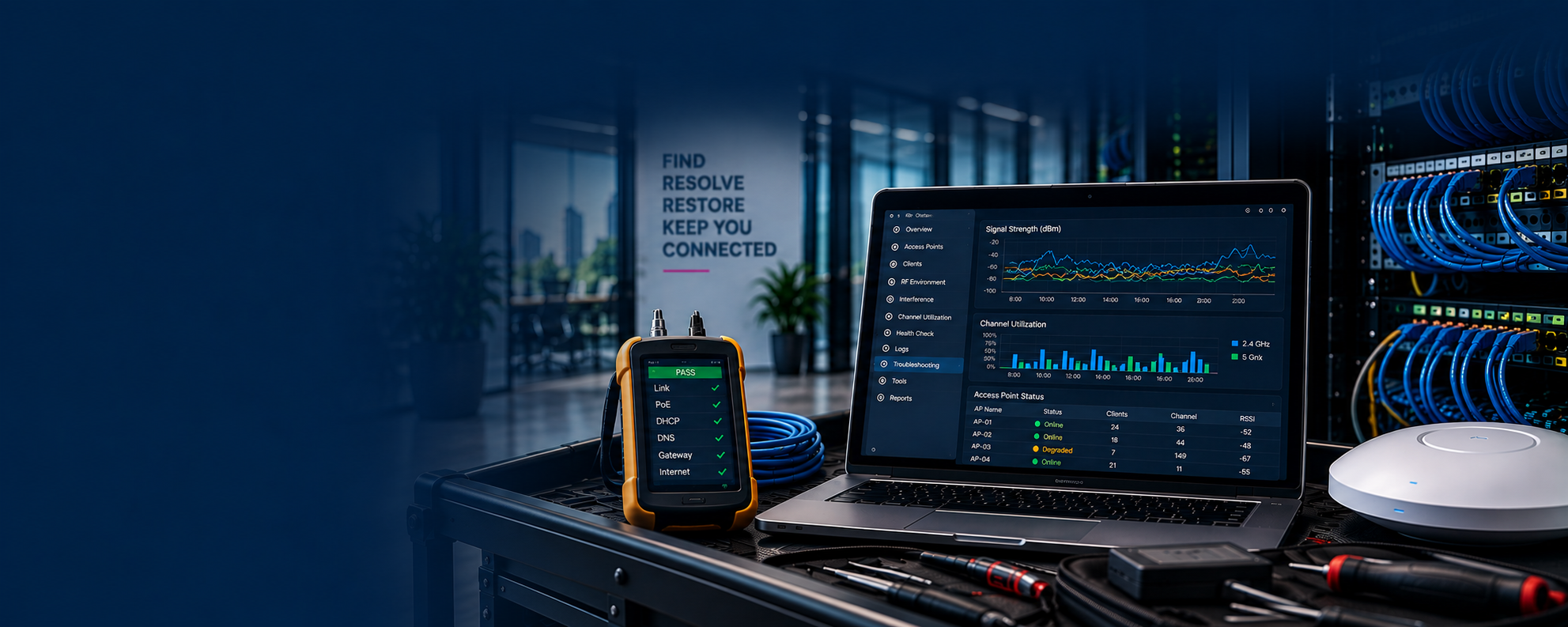
WIRELESS TROUBLESHOOTING
When Wi-Fi Problems Don’t Make Sense, We Find Out Why.
Expert wireless troubleshooting to identify the root cause of complex connectivity and performance problems.
Wireless issues can be frustrating, time-consuming, and difficult to diagnose—especially when you’ve already tried everything.
Sound Familiar?
The Wi-Fi is running slow.
Devices keep disconnecting

It works everywhere except this room.
Video calls keep freezing.
Network green, users complaining
We’ve tried everything to fix it.
Wireless Problems Aren’t Always Wi-Fi Problems.
Symptoms can come from many sources. We dig deep to find the real cause.
1

RF Conditions
Network Configuration
Roaming
Interference
Client Devices
Capacity
DHCP/DNS
Authentication
Wired Infrastructure
2
Application Behavior

Our Troubleshooting Methodology
Observe
Gather information and understand the issue from your perspective.
Measure
Collect data and analyze the environment, network, and device behavior.

Isolate
Narrow down possibilities to identify the root cause of the problem.



Resolve
Implement targeted changes to address the identified root cause.

Validate
Test and validate results to confirm resolution and performance.
4
3
5














Stop Guessing. Find the Root Cause.
When wireless problems persist, data-driven troubleshooting can help identify what's really happening.